
How It Works
Every feature you need, built in.
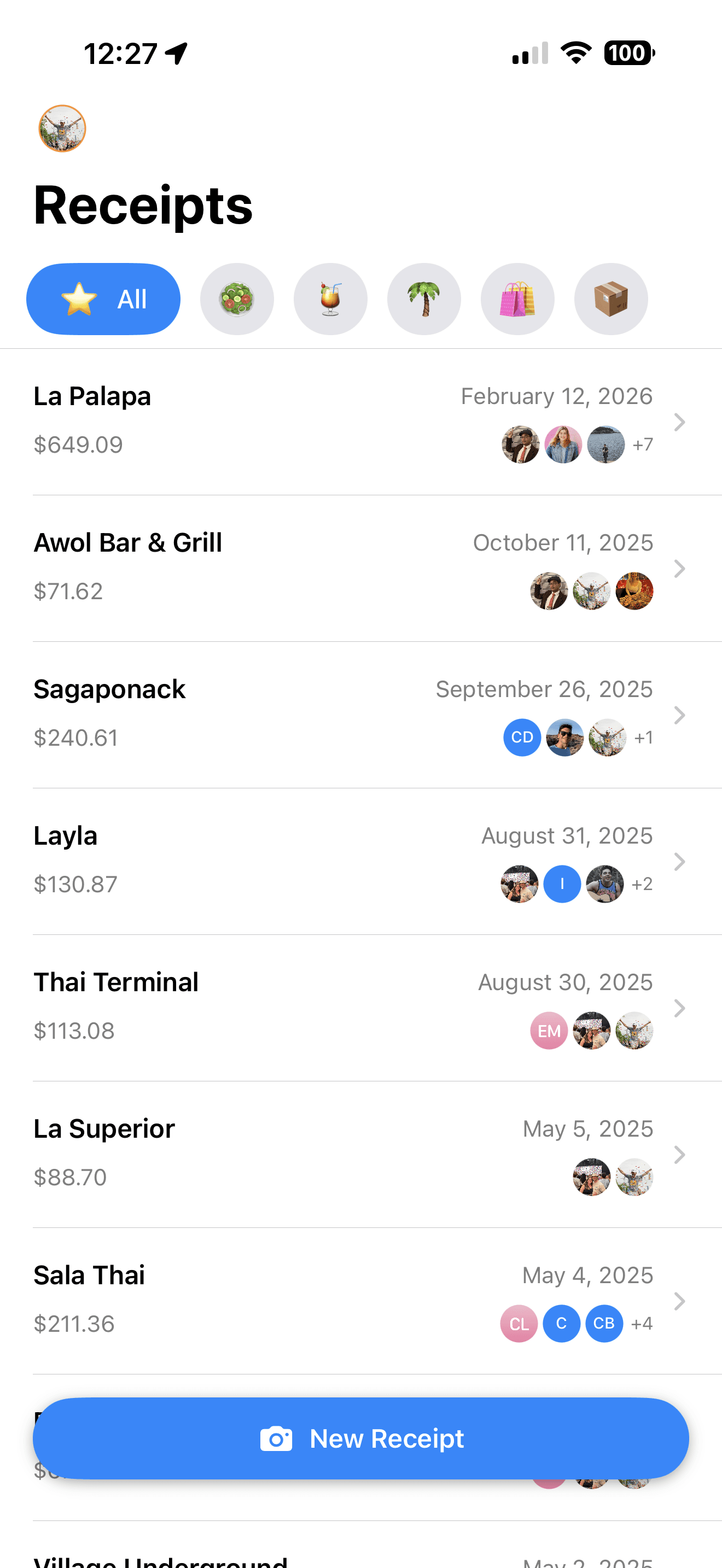
Tabify handles the whole journey — from snapping a photo to settling up with friends — in three simple steps.
Step 1
Snap & Scan
Take a photo of any receipt and let Tabify's AI extract the merchant, every line item, subtotal, tax, tip, and total in seconds. No manual entry required.
From photo to split in seconds.
Built for real life
Now is the time to simplify group expenses.
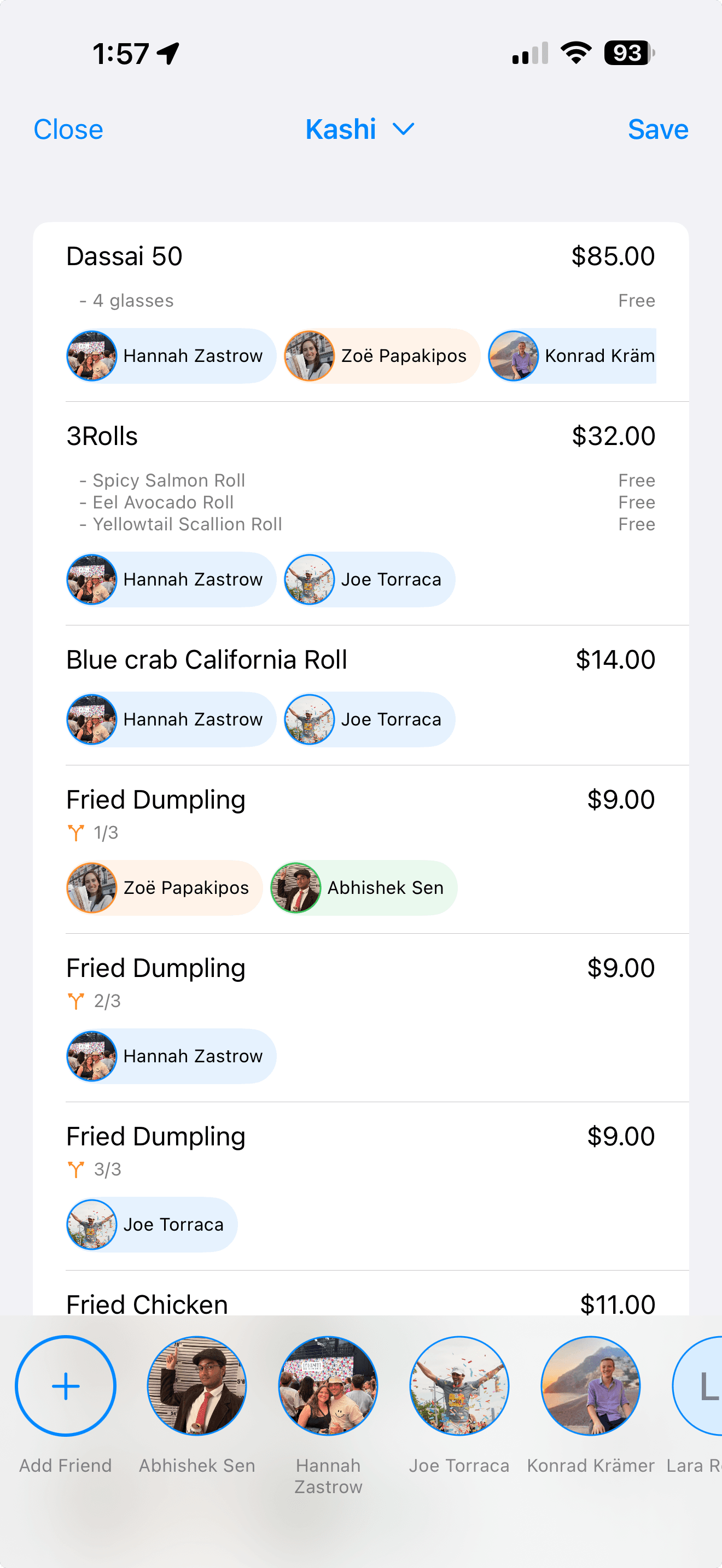
Everything you need to handle any group meal — from a quick lunch to a 10-person dinner party with shared bottles of wine.
Currency Conversion
Travelling abroad? Tabify supports USD, EUR, GBP, CAD, AUD, JPY, NOK, and SEK. Set a default or let the AI detect the currency automatically.
Contact Integration
Pull friends directly from your iPhone Contacts. No need to re-enter details — just search, tap, and assign. Or create a one-off entry for new friends.
Receipt History
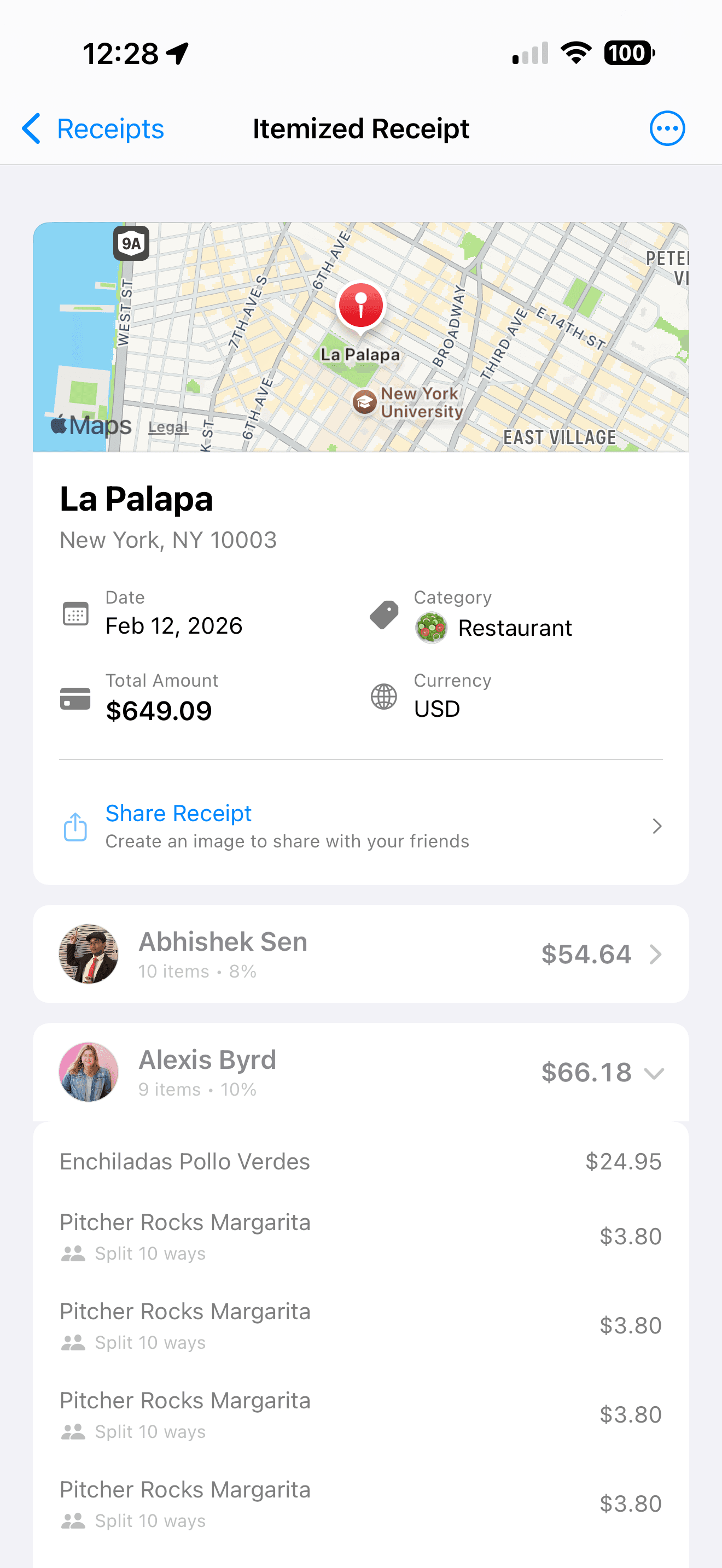
Every receipt you scan is saved locally. Browse by date, search by merchant, and revisit past splits whenever someone questions the math.
Privacy First
Your receipts never leave your device. All data is stored locally and synced privately through Apple's infrastructure — no Tabify servers, no third-party storage.
Manual Entry
No receipt to scan? No problem. The manual entry mode is always free and lets you build a split from scratch, item by item.
Smart Math
Tax, tip, and shared fees are divided proportionally based on each person's share. A round-robin rounding system ensures totals always add up to the cent.
Pricing
Simple pricing,
no surprises.
Start free. Add more scans only when you need them — no subscription, ever.
Free
3 AI scans included every month, automatically renewed.
- 3 AI-powered receipt scans per month
- Unlimited manual entry (always free)
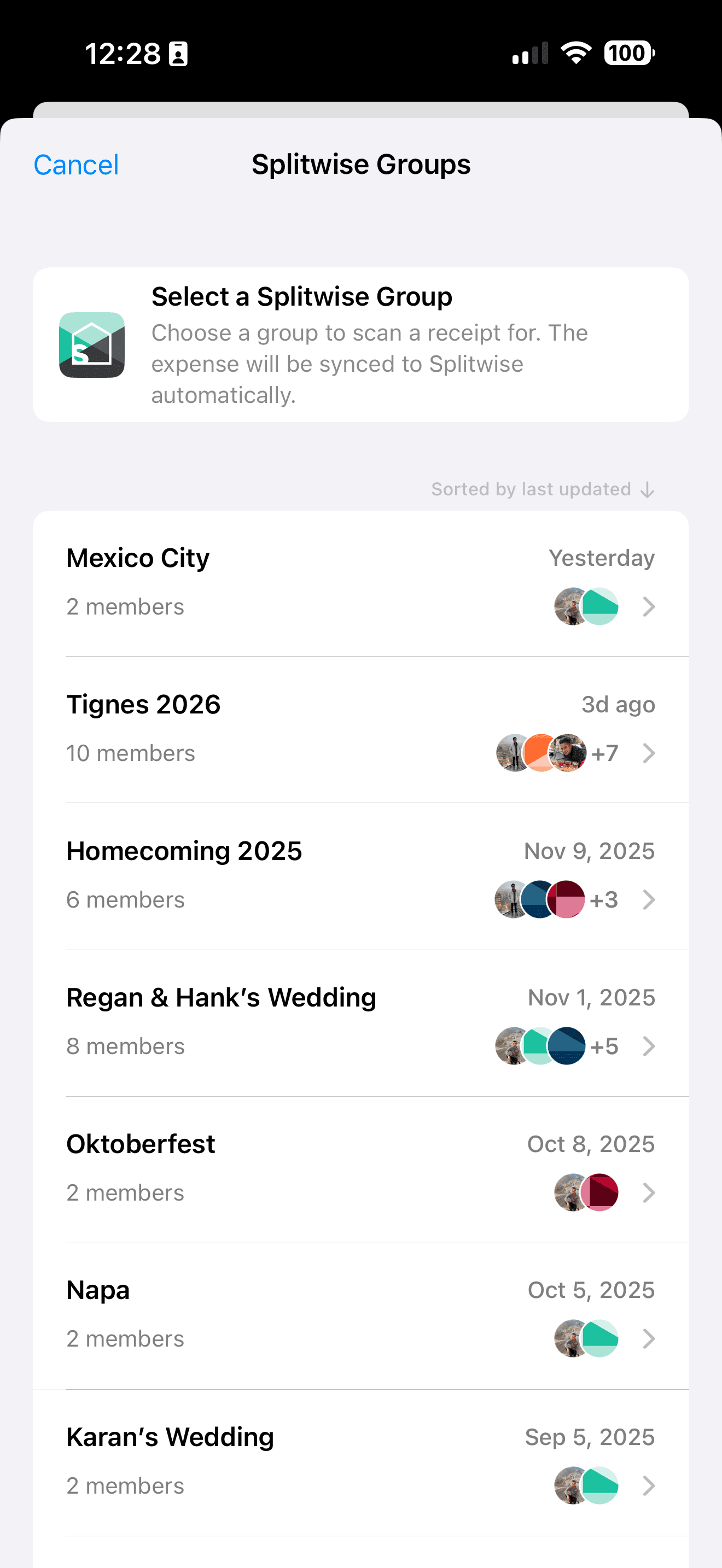
- Splitwise group sync
- International currency conversion
- iOS Contacts integration
- Receipt history & search
- Private iCloud sync
Buy Scan Packs anytime from within the app — no account, no commitment.
FAQ
Frequently asked questions
If you have anything else you want to ask, reach out at joe@joetorraca.com